Pilot’s handbook
Field guide
Your first flight starts aboard the Kestrel, in orbit around Verdara Prime. Here’s how to land, find materials, and bring your first discoveries home.
Play Starward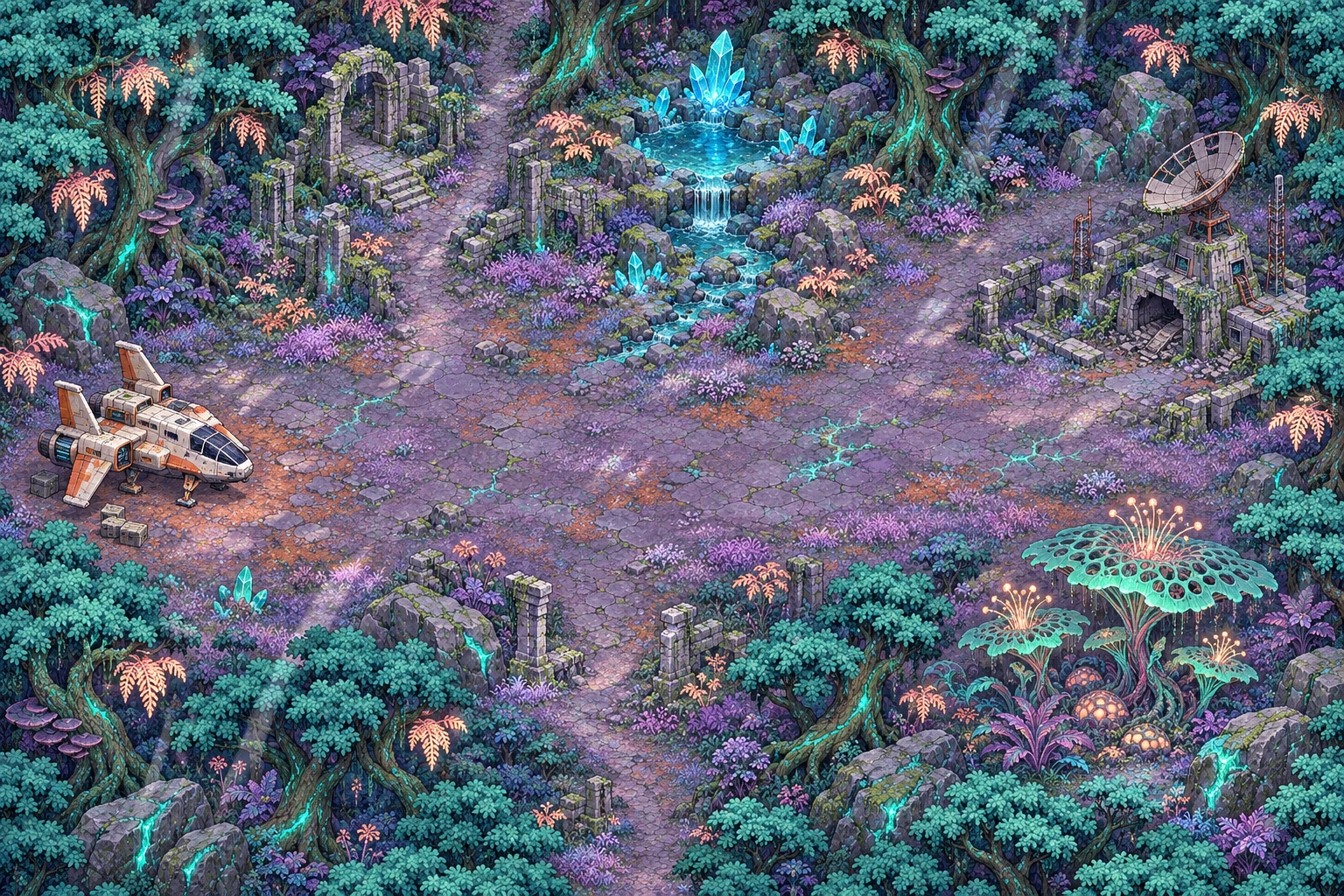
Objective · First light
Your first landing
- Walk up to the glowing navigation table on the flight deck. Press E or tap the table’s marker to open the galaxy map.
- Land on Verdara Prime or use the starter thrusters to reach Pelagia or Aurelis. Look for a mineral seam and mine at least six ferrite and two prism crystals.
- Walk back to the ship. Use the workbench to install the flight core, then check the next destination’s hull requirements.
Hull · Oxygen · Provisions
Supplies and survival
Mining, gathering, and survey work consume oxygen and provisions. Collect biomass for rations and oxygen filters, and refine flux cells into fuel. Check the inventory before leaving the landing site.
Watch how local wildlife approaches. Each species has a different response and retreat cost. The landing camp on Verdara is sheltered, and glassroot prowlers range across its backcountry. A rescue pod can bring you back to base with part of your cargo.
Resources and supplies guideBackcountry
A planetary survey
The main transmission connects Verdara Prime, Nivalis, and Cinderfall. Eleven other worlds carry independent investigations. For a longer expedition, take the trail junction into the backcountry. Use the scanner to get a bearing on hidden sites, then gather three observations in each region.
Restore the signal relay and reconstruct the mineral deposit. Together with your field notes, these readings let you locate a buried keepsake. The ship’s spectrometry bench turns the evidence into a published study.
Backcountry survey guideMulti-tool
Controls
Select Helmet view or press V to explore in first person aboard the ship or on a planet. Your suit’s helmet frames the view. Face a nearby station or field site and press E to interact. Switch back to overhead view with the same control.
In helmet view, drag the scene to look around, or click it to capture the mouse. Press Esc to release the mouse. With a gamepad, click the right stick to switch views, use the left stick to walk, and the right stick to look.
On a touchscreen, play in landscape. Drag the bottom-left stick to walk and push it farther to sprint. In helmet view, drag the scene with a second finger to look around. In overhead view, tap a walkable spot to move there or a marker to walk over and use it. Use Interact, Map, and equipment in the bottom-right corner, or tap the active objective for your journal.
- WASD
- Walk
- V
- Switch between overhead and first-person helmet view
- ←→
- Turn in helmet view or move in overhead view
- Page UpPage Down
- Look up or down in helmet view
- Shift
- Run while moving
- E
- Interact with a nearby station or site
- Q
- Scan the backcountry
- 1to5
- Select equipment
- IJM
- Inventory, journal, or local map
- Esc
- Pause or close a panel
Progress saved
Saving your game
Your browser saves your pilot, inventory, location, and survey progress on this device. Return to the play page using the same browser and site address to continue. Clearing site data removes the local save.
Play in your browserPilot’s handbook
More guides
Backcountry surveys
Every step from the trail junction to a published study.
ReadResources and supplies
Where to mine and gather six materials and what you can make from them.
ReadRobot helpers
Recover five blueprints and build a crew for repairs, wildlife care, surveys, harvests and cargo.
ReadNight Ferry orbital salvage
Find each wreck, operate its tethered crawler, and recover its departure chart.
ReadNative wildlife
Recognize each planet’s species, handle an encounter, and treat injured creatures aboard the Kestrel.
ReadShip upgrades
Hull upgrades, new decks, engineering designs, and suit loadouts.
ReadCommon questions
Saving, touch controls, rescue pods, fuel, and more.
Read